The four games
An event can run one game or all four. Guests register once, then join each game with its own QR code or game code.
Live Quiz
Everyone in the hall answers the same question at the same moment.
How one question runs
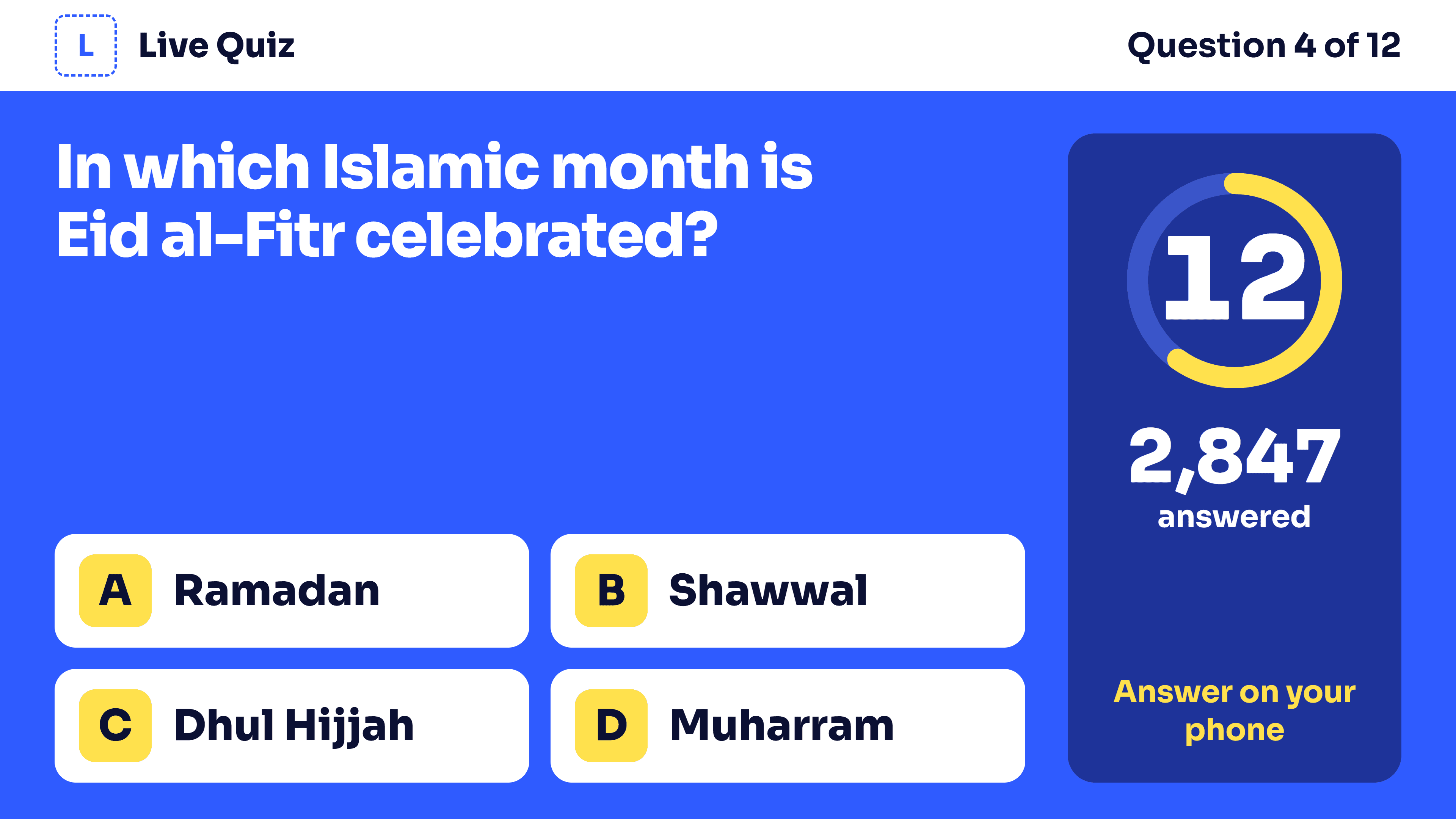
1. The question shows on the big screen. In host-read mode the host reads it first, then shows the options and starts the timer.
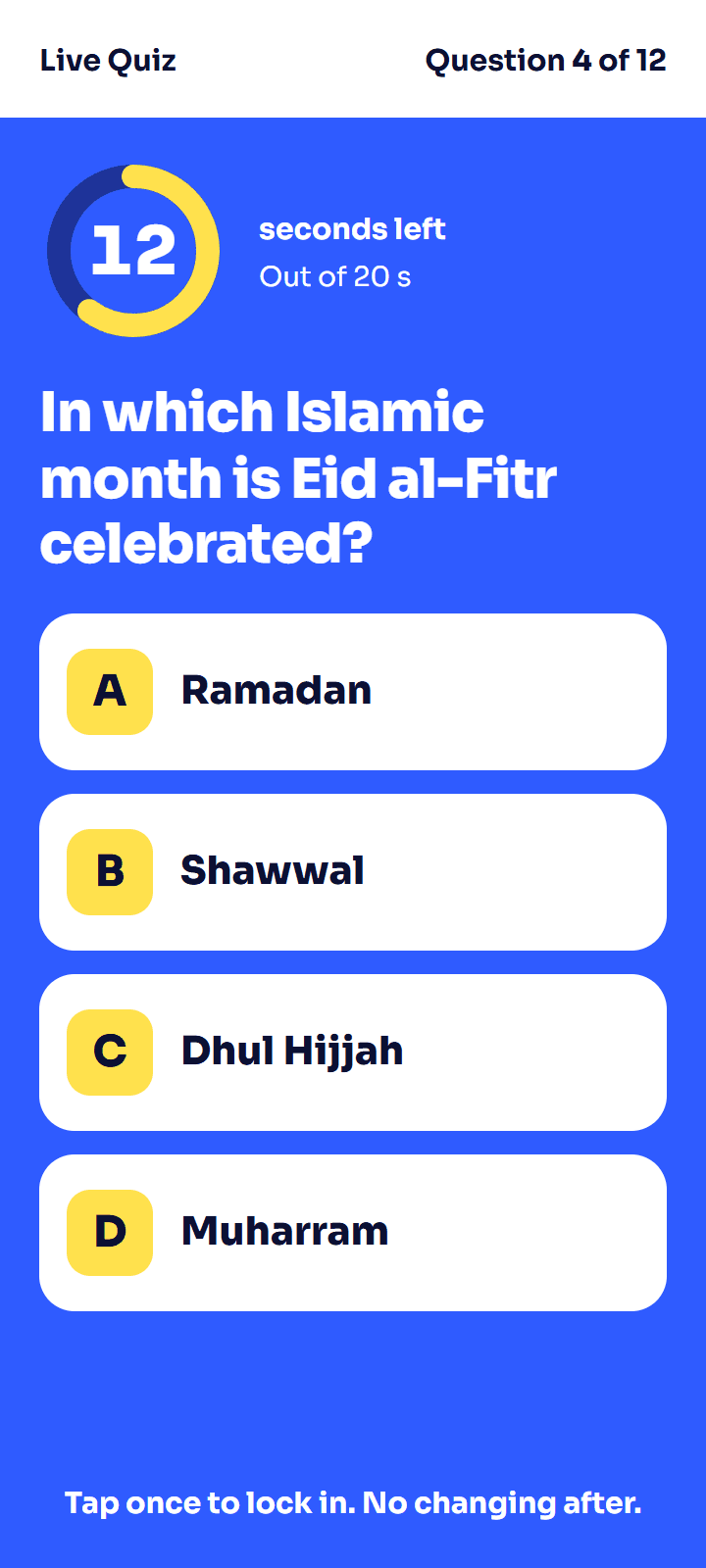
2. Guests tap an answer. One tap locks it in.
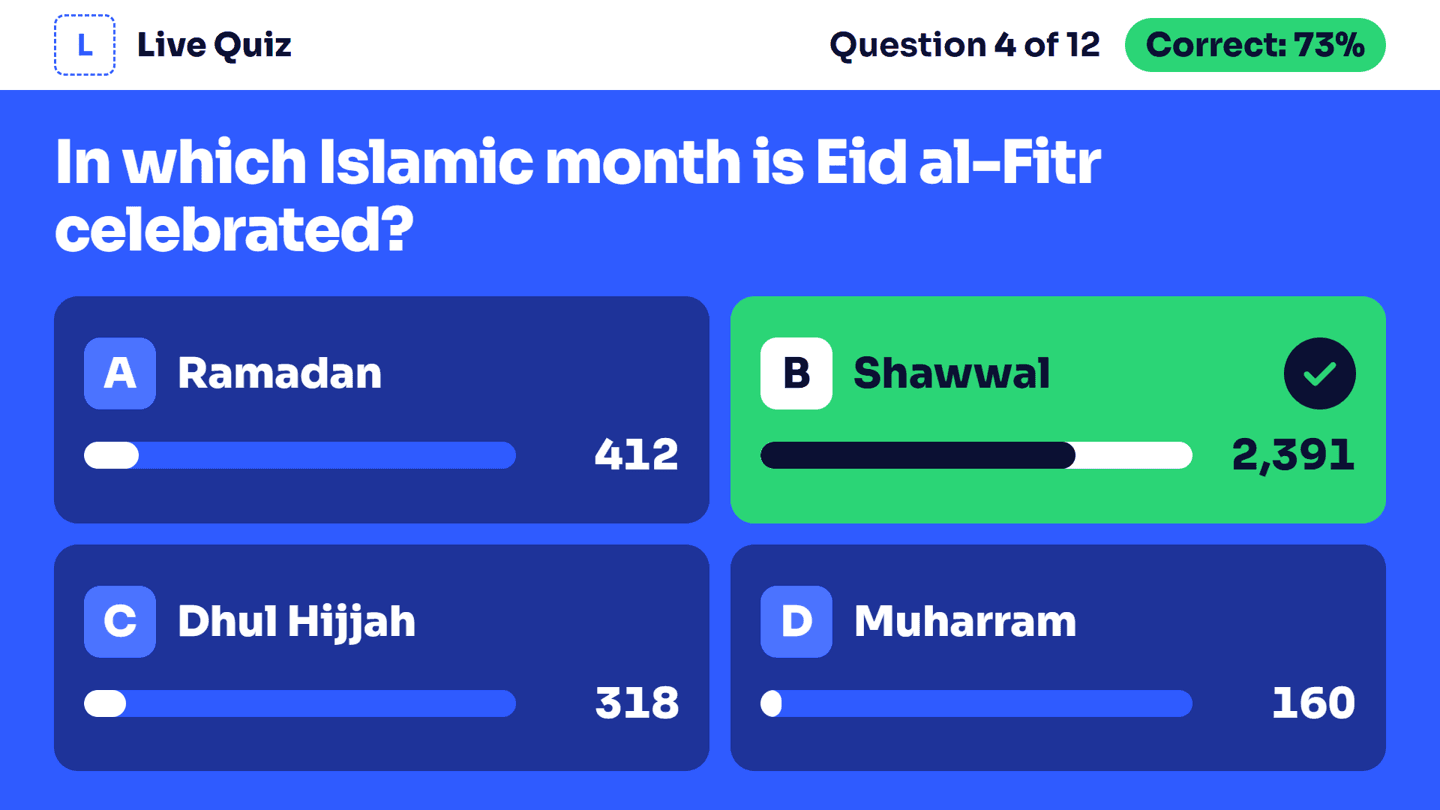
3. When time is up, or the host locks answers, the big screen shows the right answer and how many picked each option.
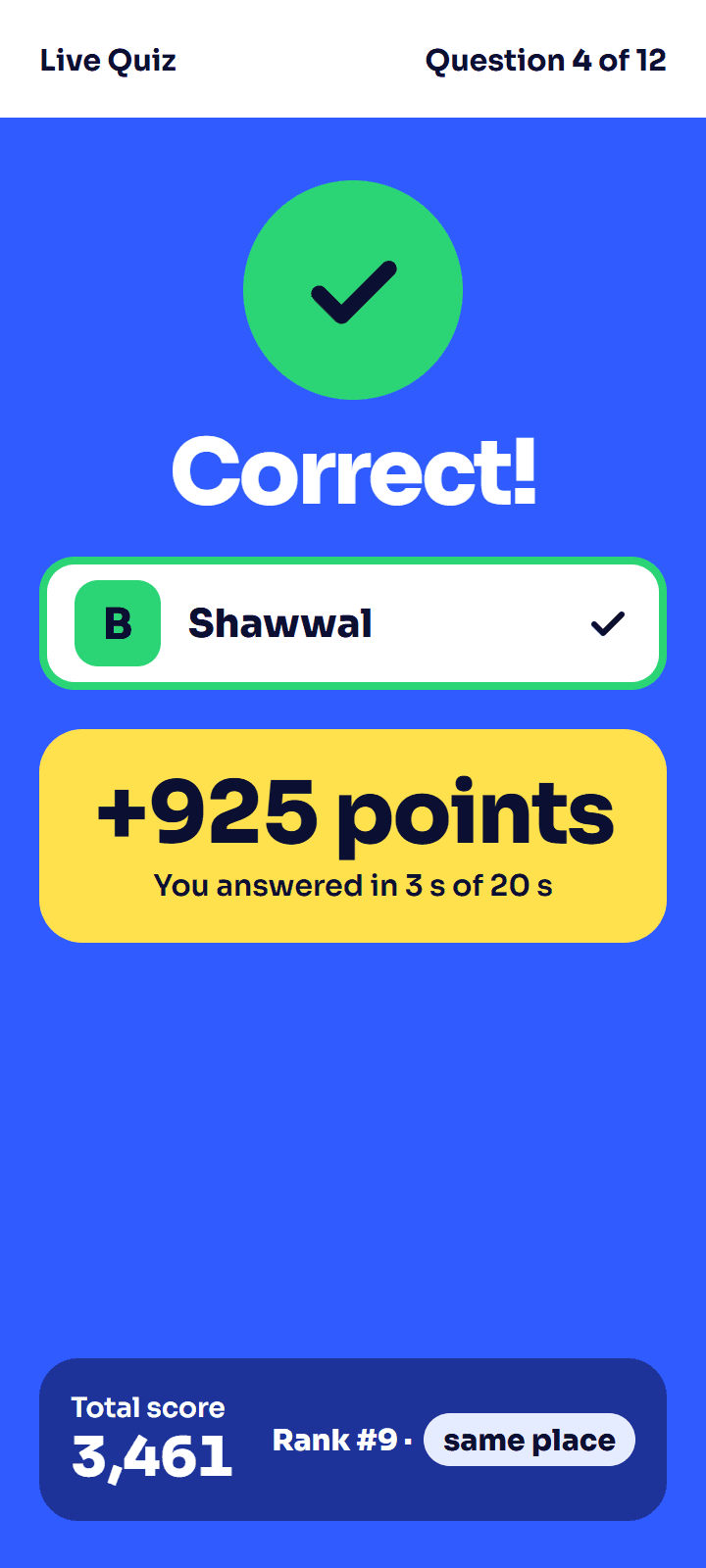
4. Each phone shows right or wrong, the points, the total score and the rank.
Scoring
A right answer scores more the sooner it comes. With the standard settings, answering in 3 seconds of a 20-second timer scores 925 of 1,000 points, and the slowest right answer still scores half. You set the points per game or per question, and how much speed counts.
Equal scores are split by the total time taken on right answers.
The host's controls
- Open answers, lock them, reveal the right one, show the leaderboard.
- Pause, add time or skip a question when the hall needs it.
- Show results after each question, at the end of the game, or later.
- If a question turns out to be wrong, regrade it and every score updates.
- A second laptop can stand by as backup host and take over.
What the big screen can show
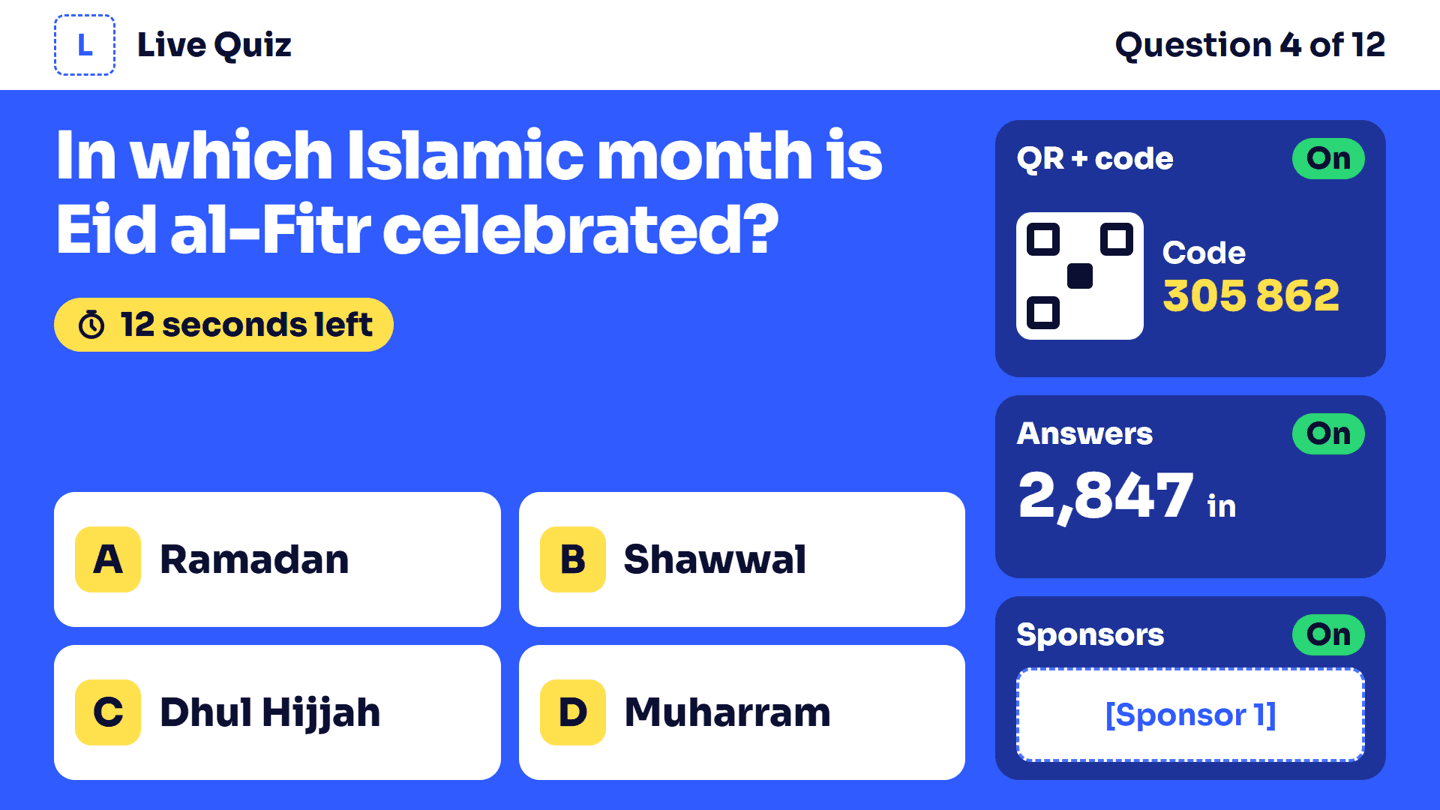
The question with side panels: QR code, answer count, sponsors.
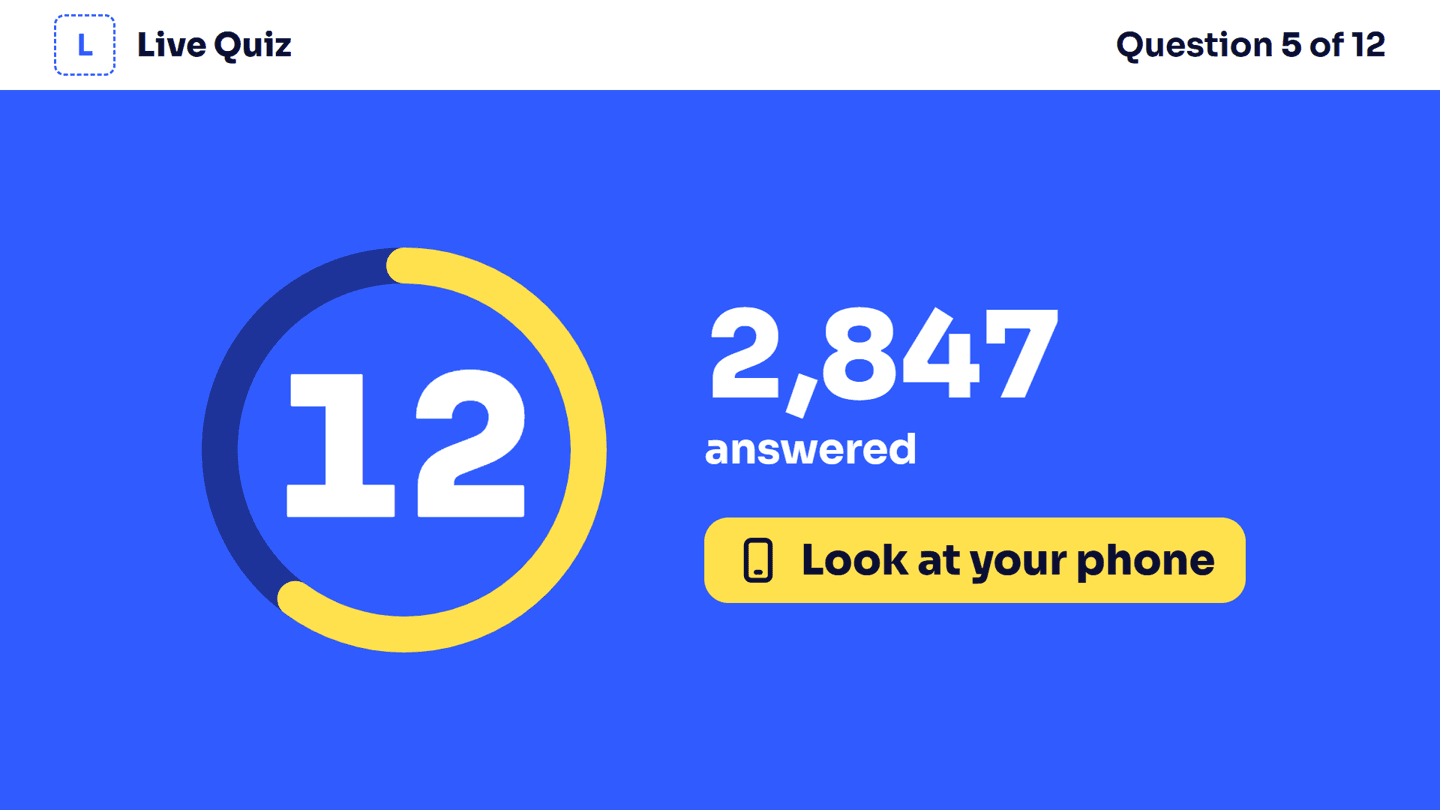
Only the timer and the answer count.
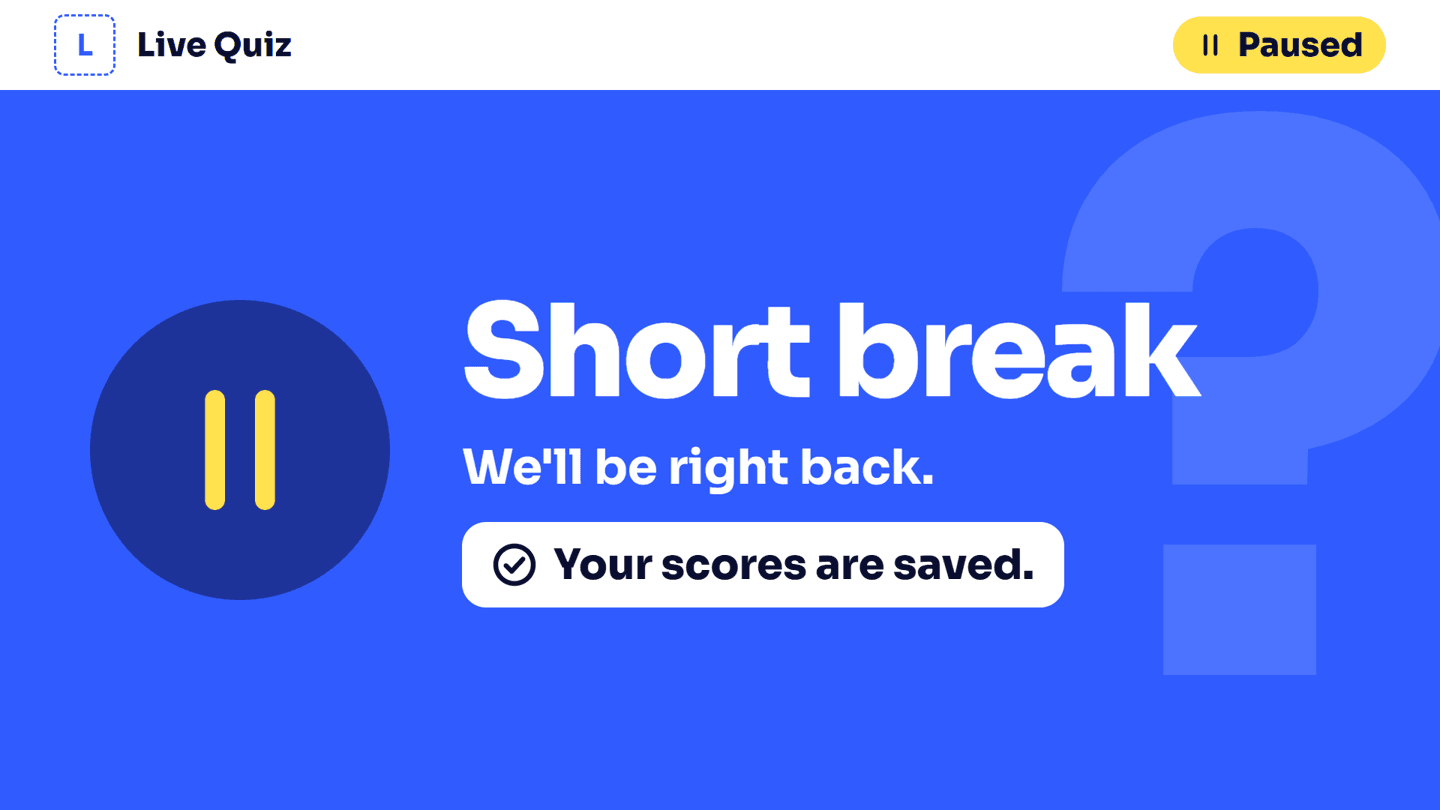
A pause screen. Scores are kept.
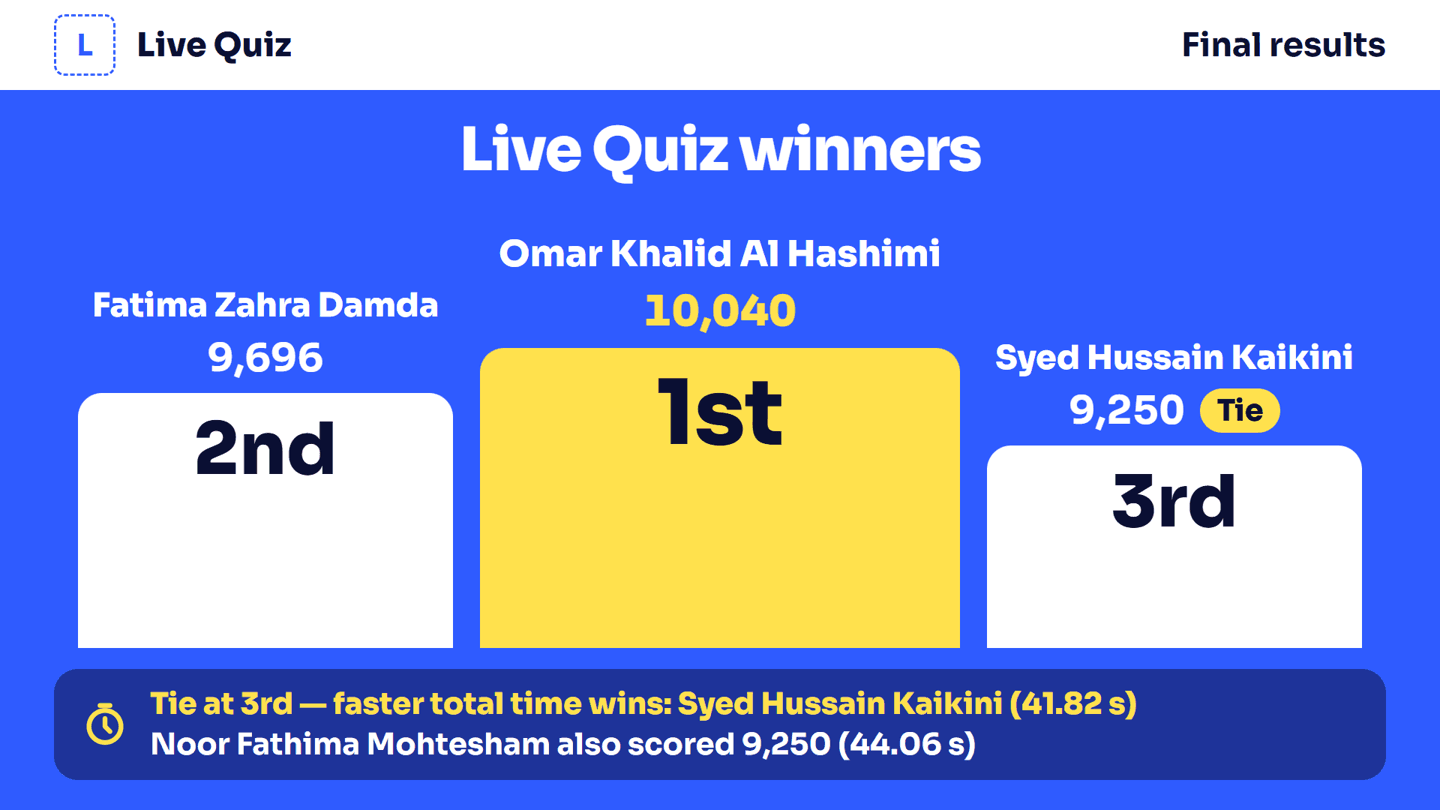
The podium at the end, with ties explained.
Early Bird
Guests play at their own pace inside a time window you set. You reveal the results when you choose.
- Before it opens, phones show a countdown. After it closes, they say so.
- One attempt per guest. If the page reloads, they carry on where they stopped.
- A timer per question if you want one.
- Clips on the phone: video and audio questions play on each guest's own phone.
- Answers save as they go. When the window closes, saved answers count.
- Nothing is shown early. No score and no right answer until you reveal.
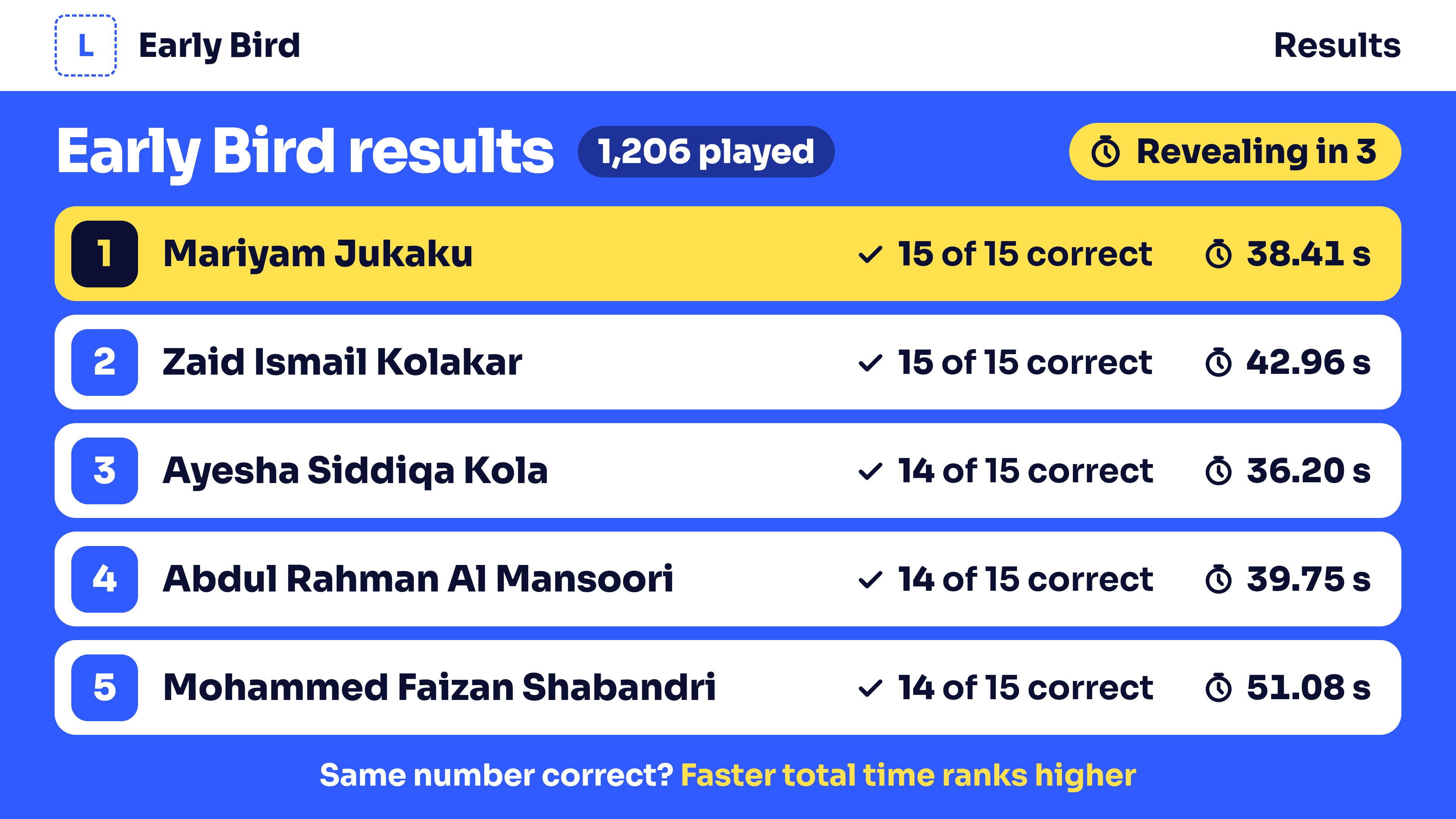
- The reveal: the big screen shows the top 5. Each phone shows the guest's rank, score and every answer. More right answers ranks higher; on a tie, the faster total time wins.
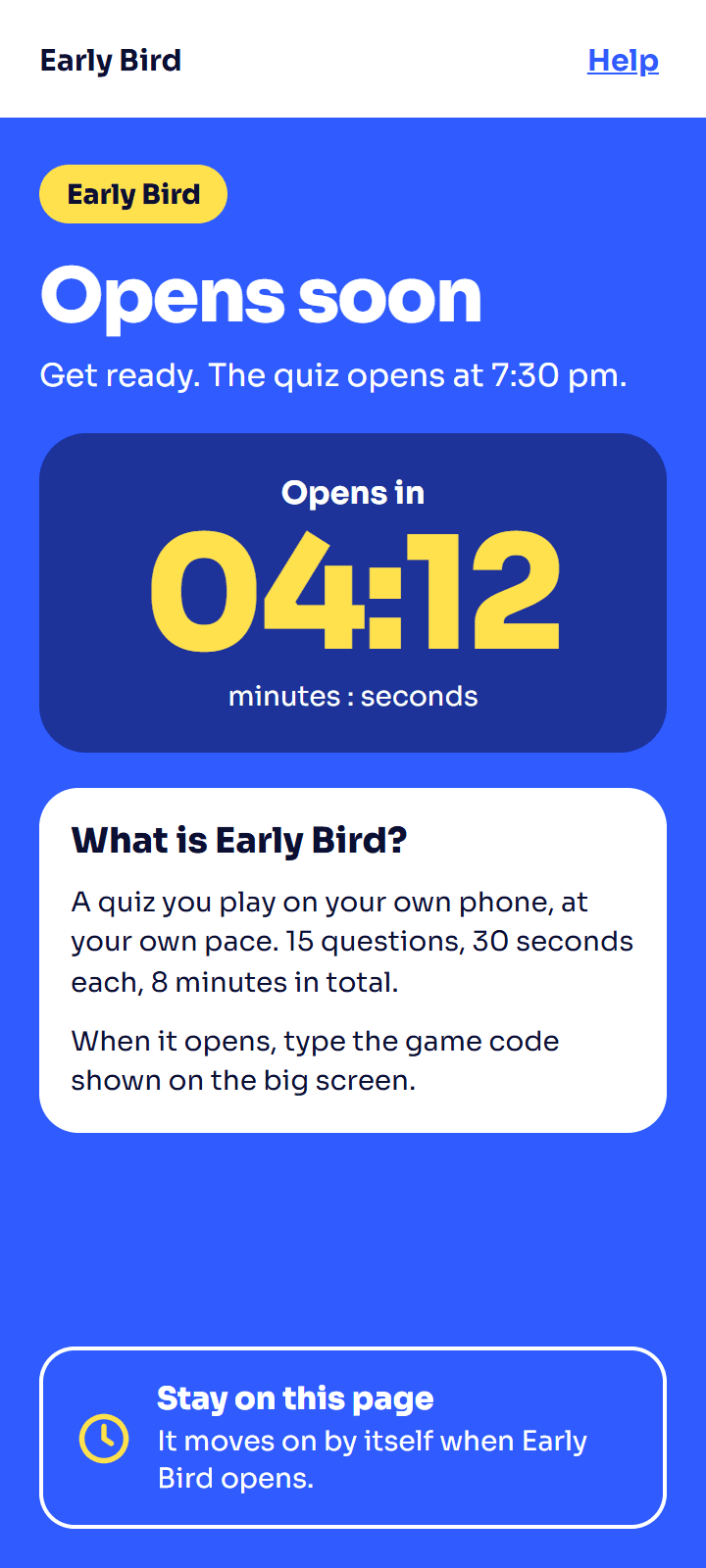
Countdown
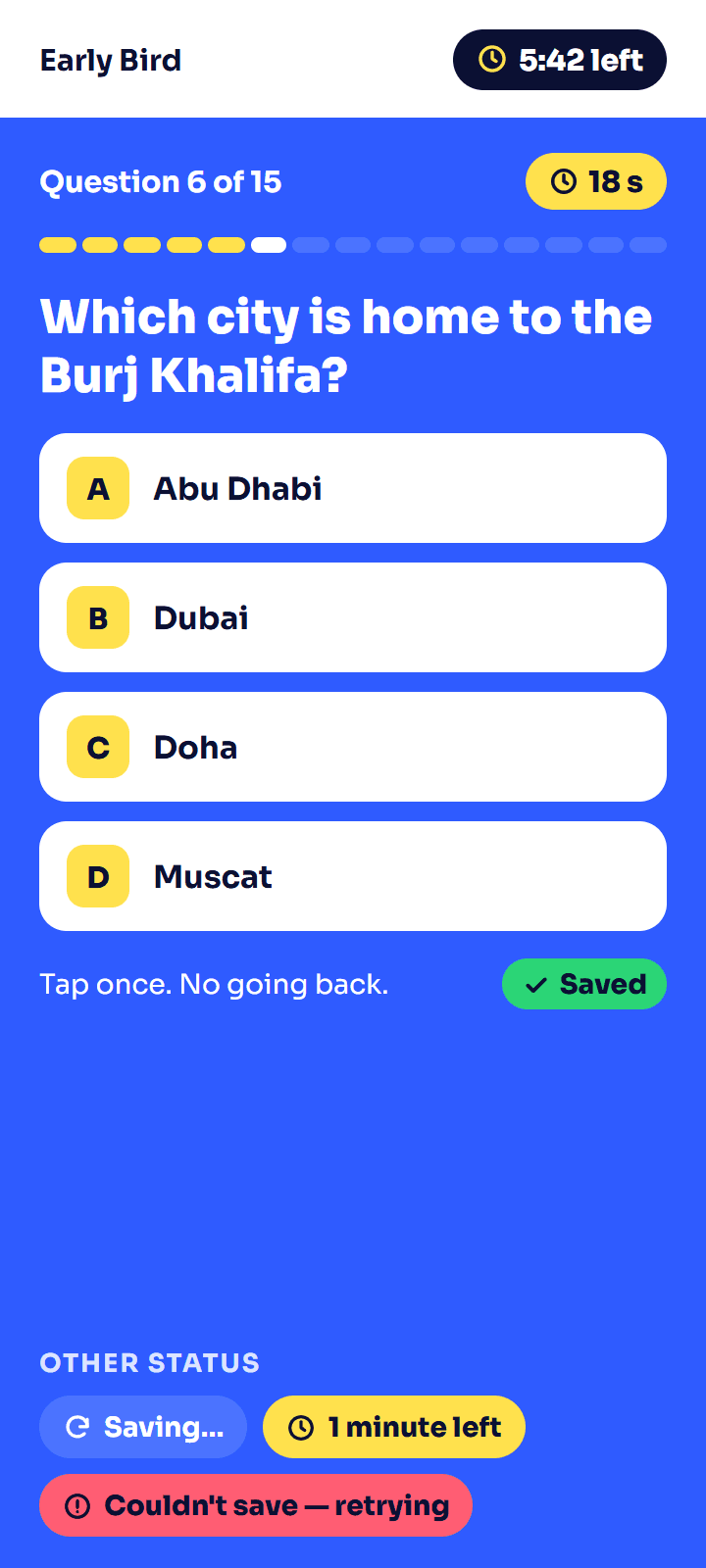
Playing
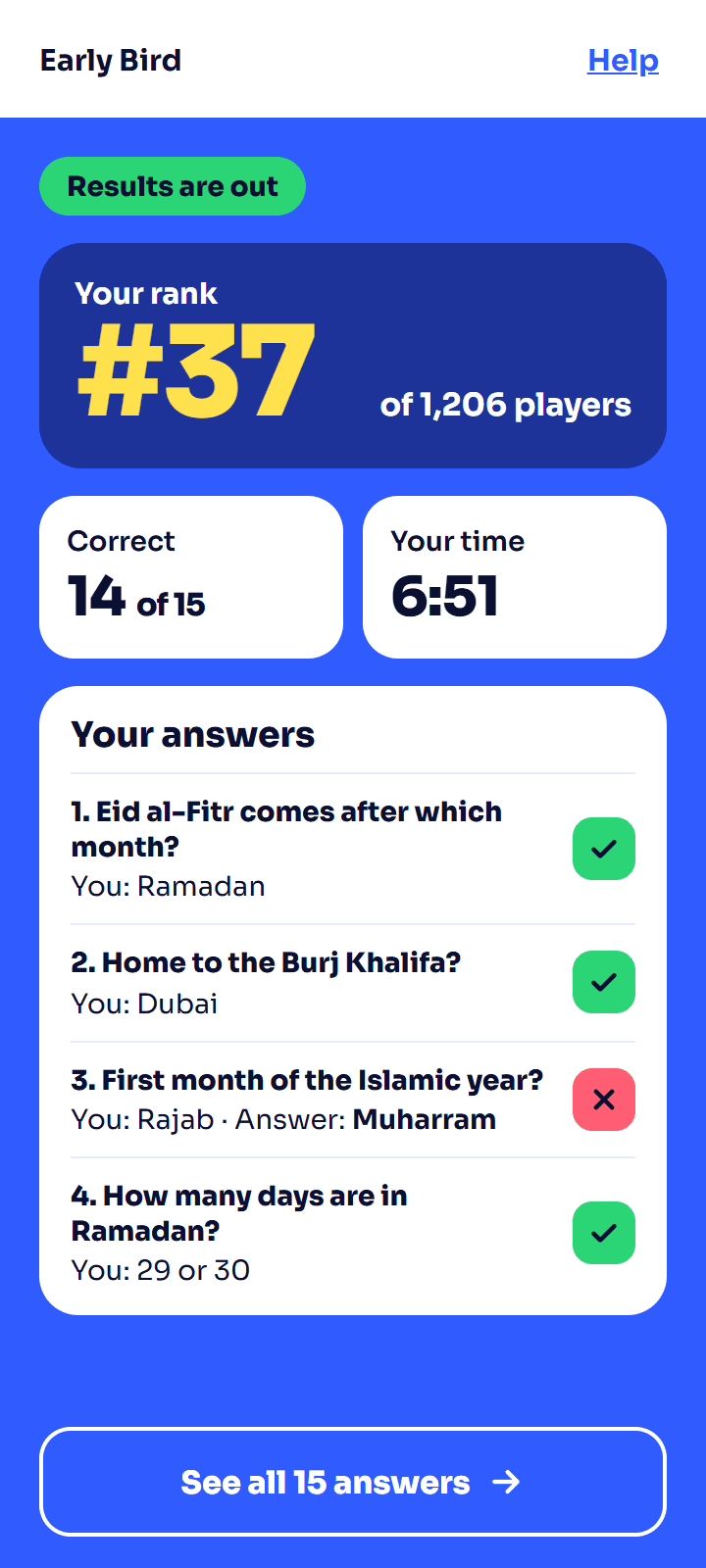
Results
One Minute Show
A stage segment. A wheel picks a name, and that guest gets 60 seconds on stage.
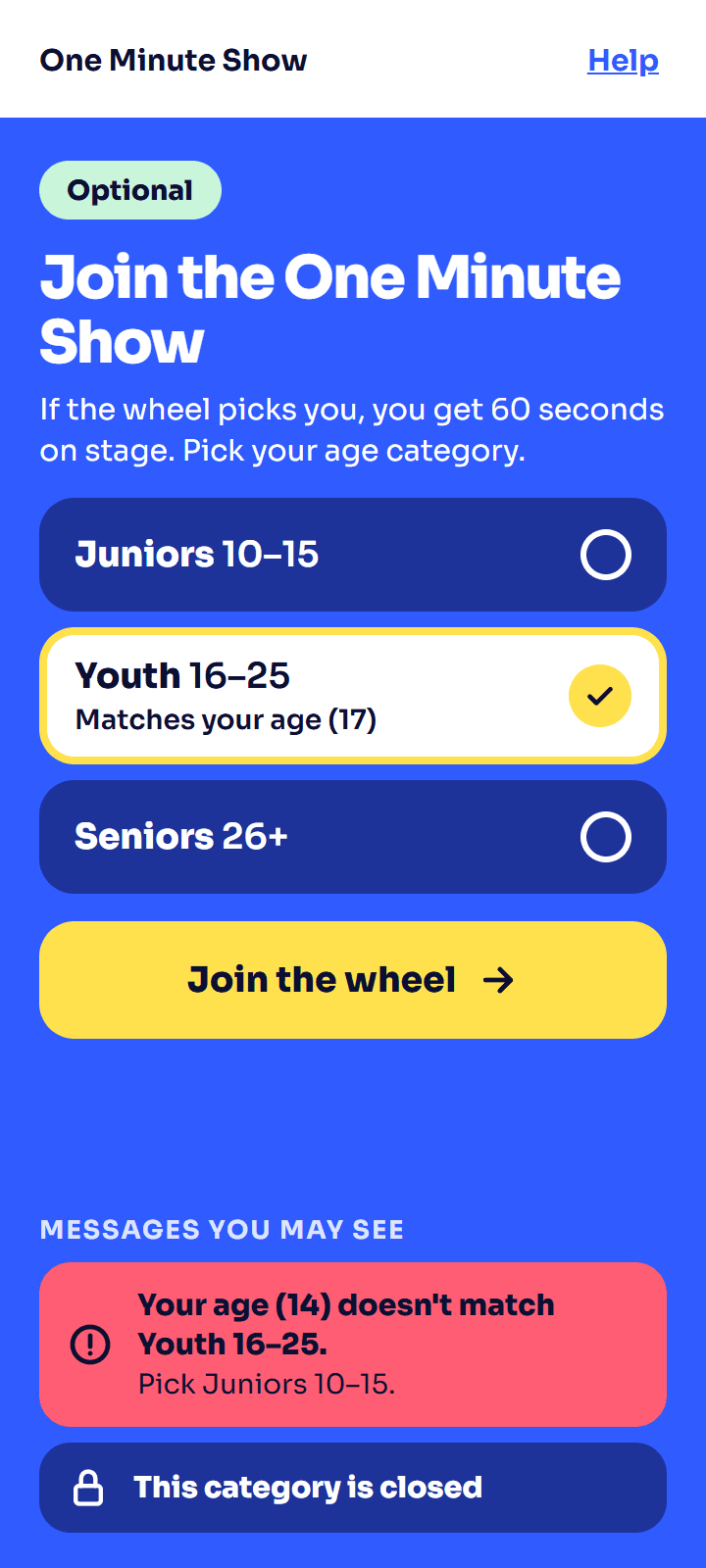
1. Guests who want to take part join with a separate QR code and pick their age group.
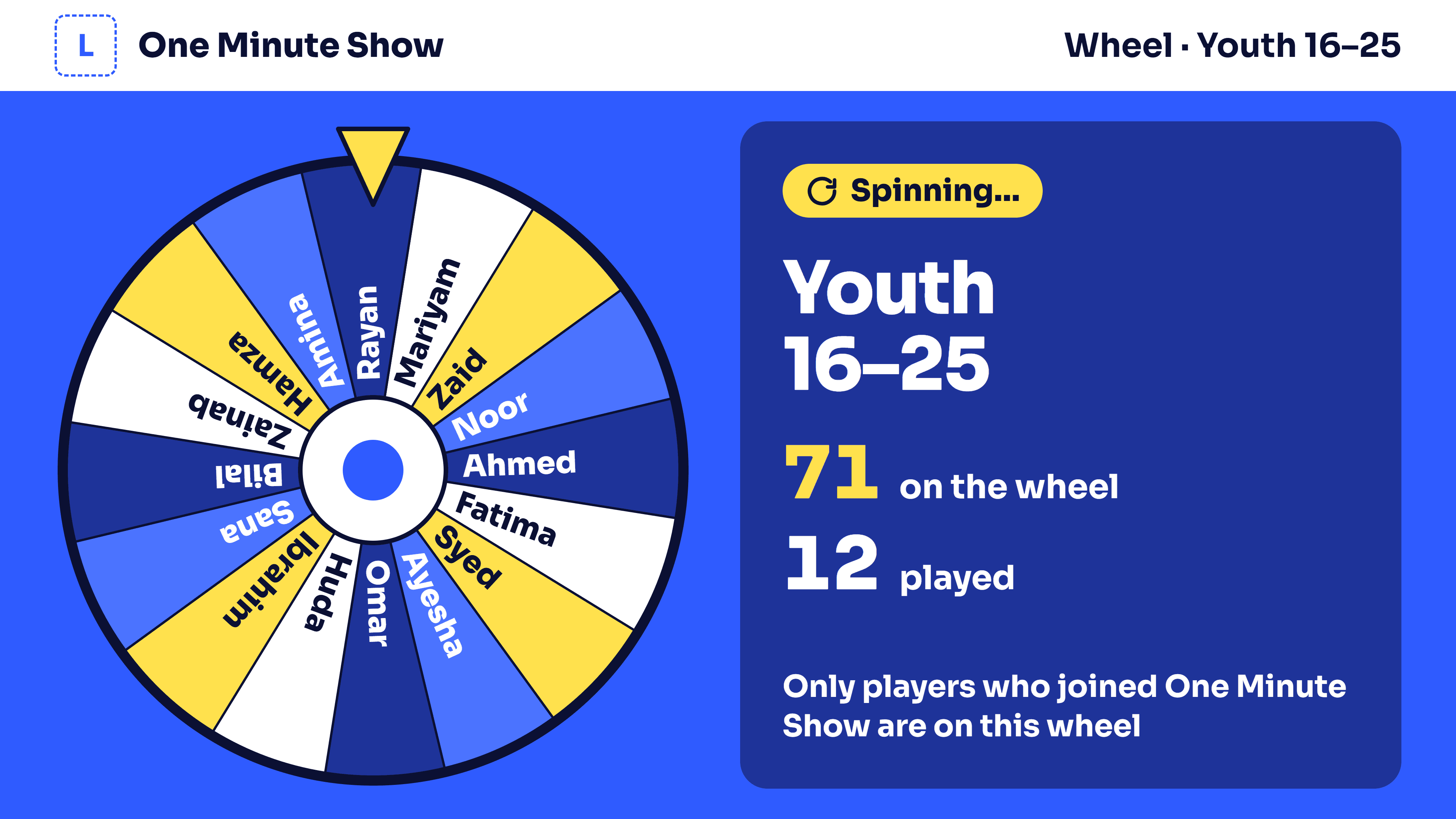
2. Each age group has its own wheel. The host spins; the server picks the name and the wheel shows it.
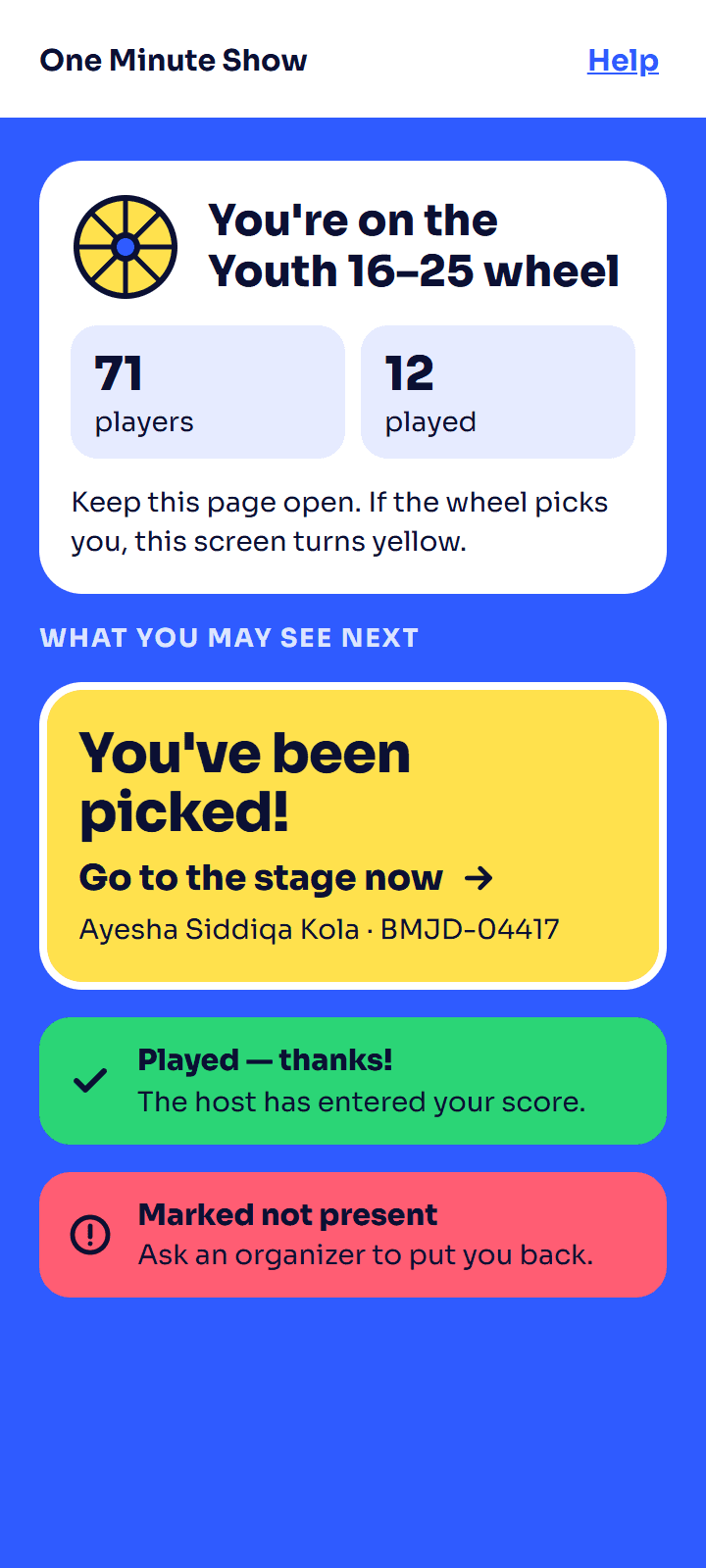
3. The picked guest's phone says "Go to the stage now".
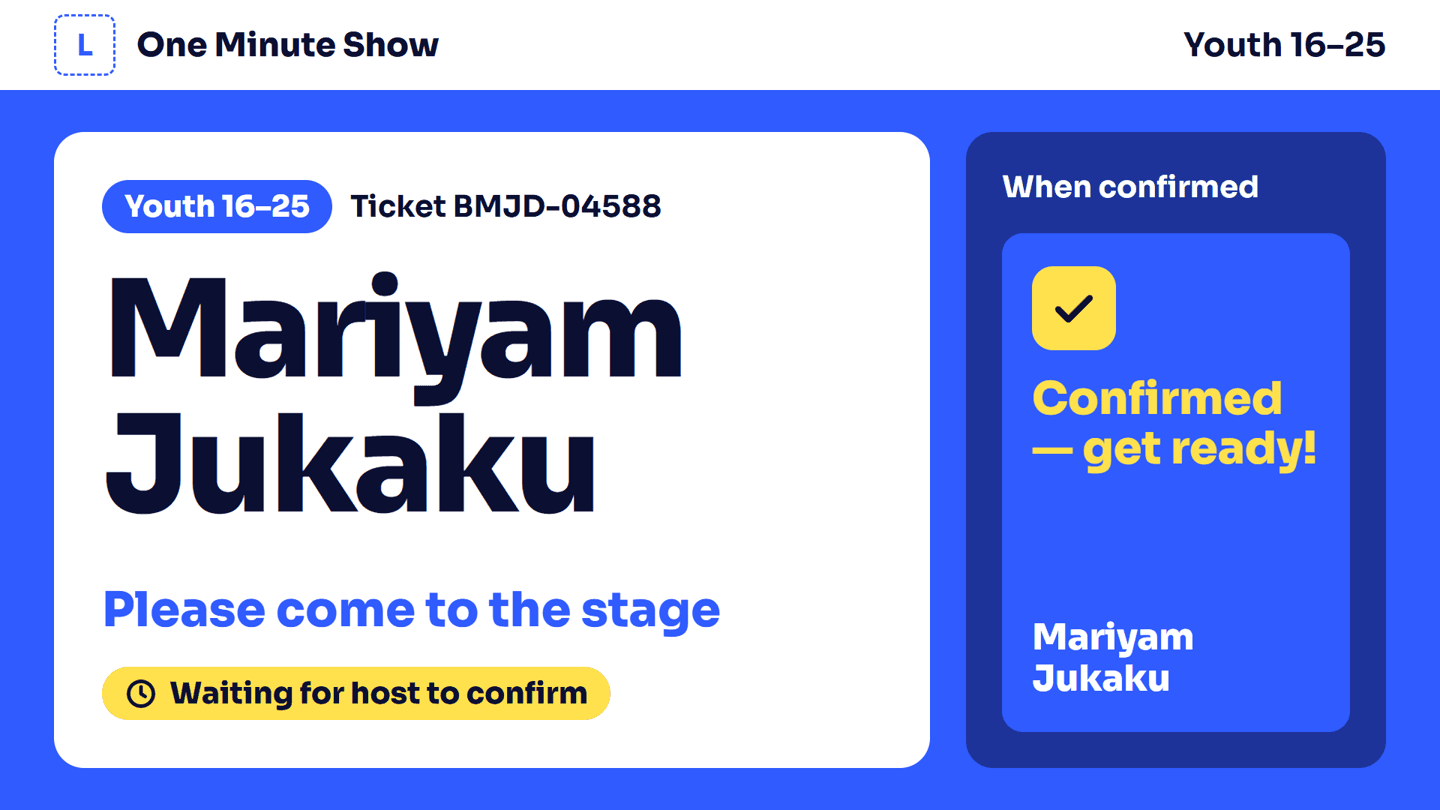
4. The host confirms, or marks them not present. Not present guests leave the wheel without counting as played.
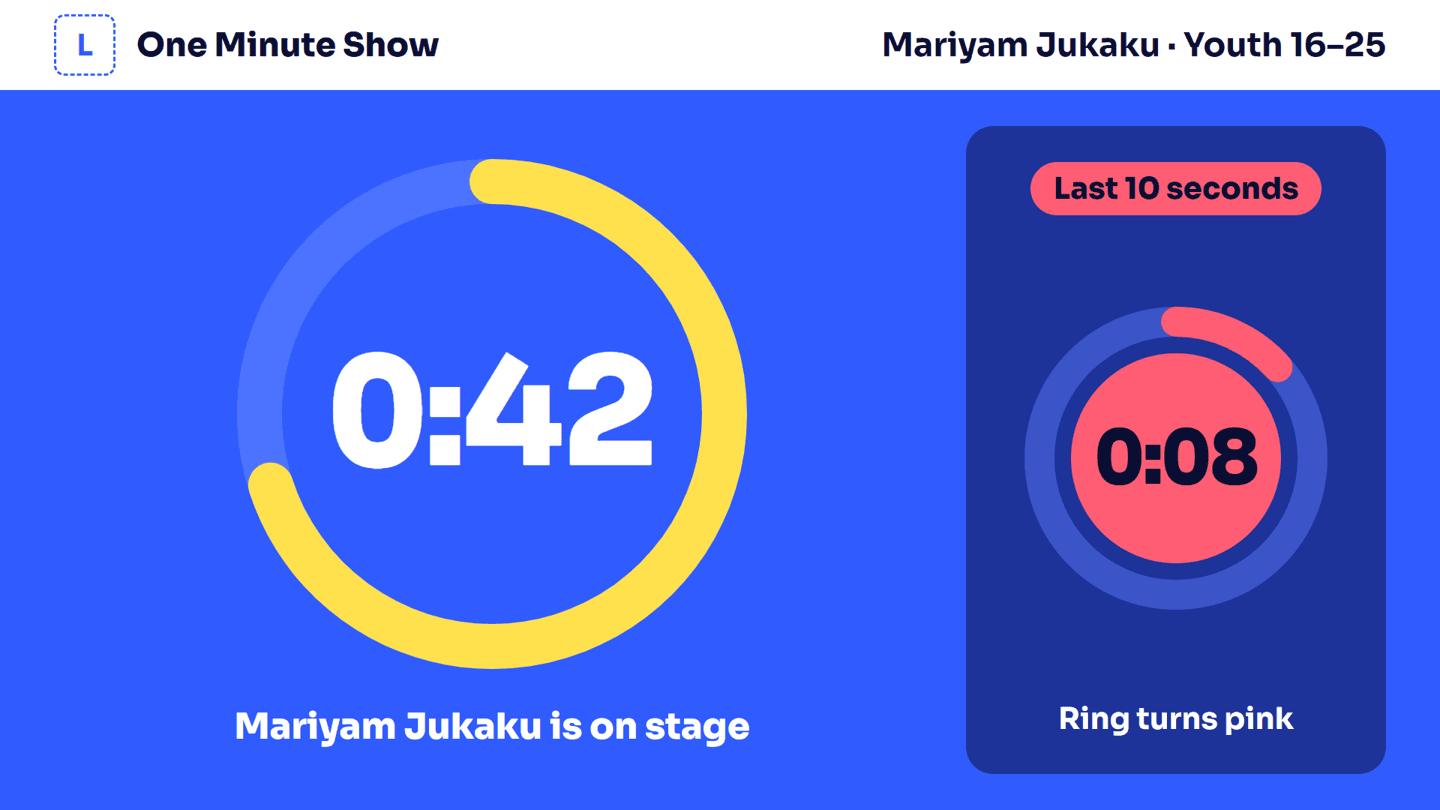
5. The 60-second timer runs on the big screen. The host enters the score.
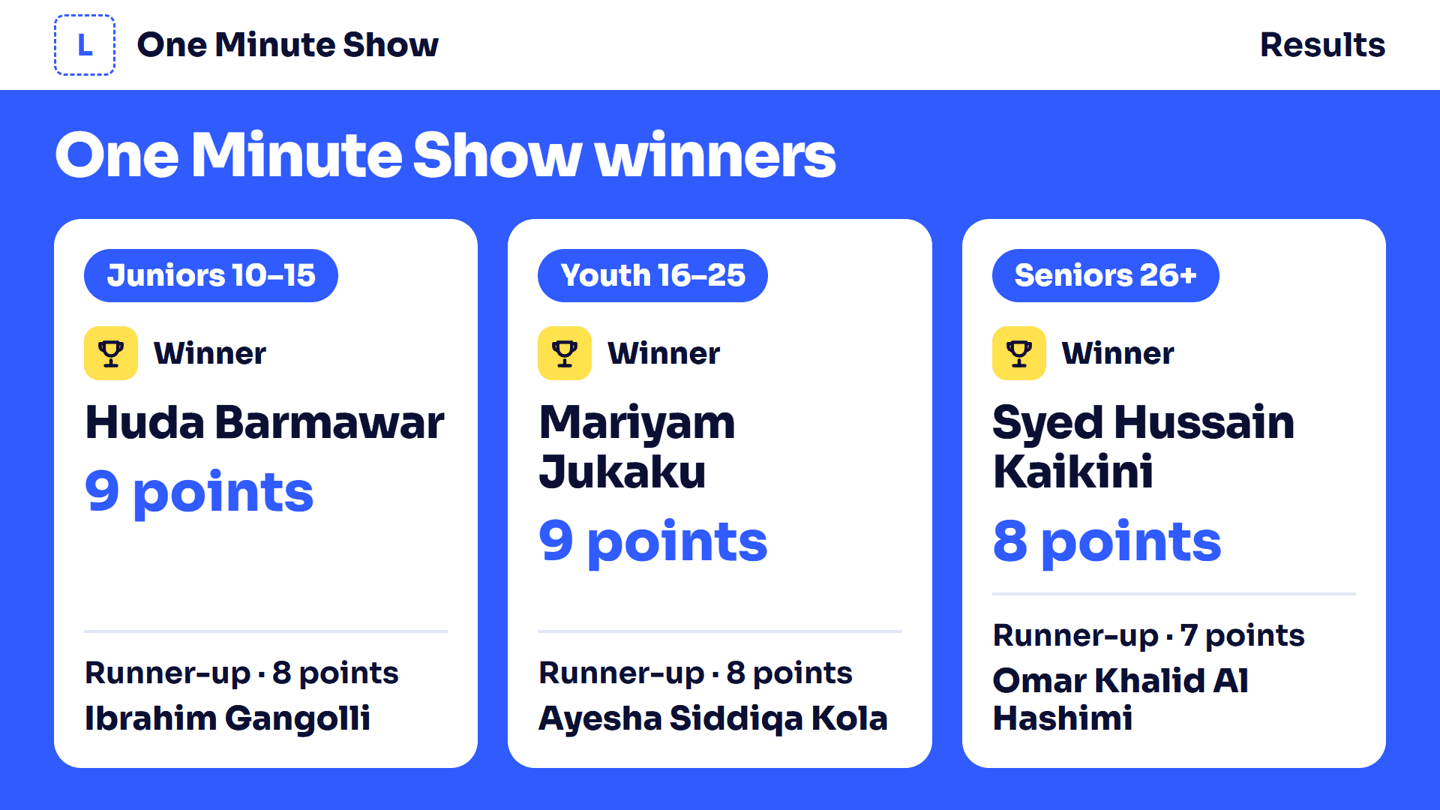
6. Winners per age group, on the big screen.
Video Round
A clip plays on the big screen, then guests answer questions about it.
- Clips from anywhere: a file on the laptop or a USB stick, an uploaded file, or a YouTube link.
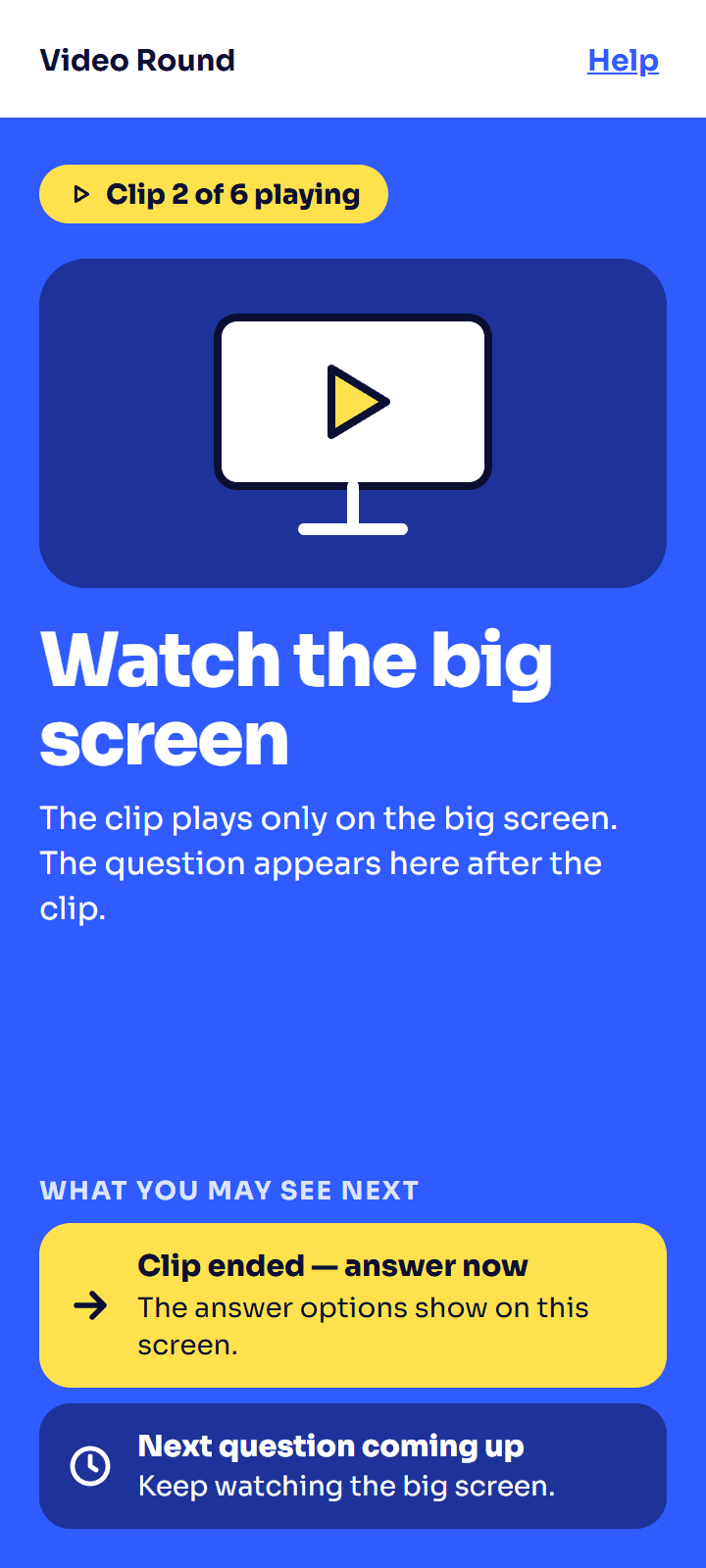
- Only on the big screen. Phones say "Watch the big screen", then show the answers after the clip.
- The host controls the clip: play, pause and volume.
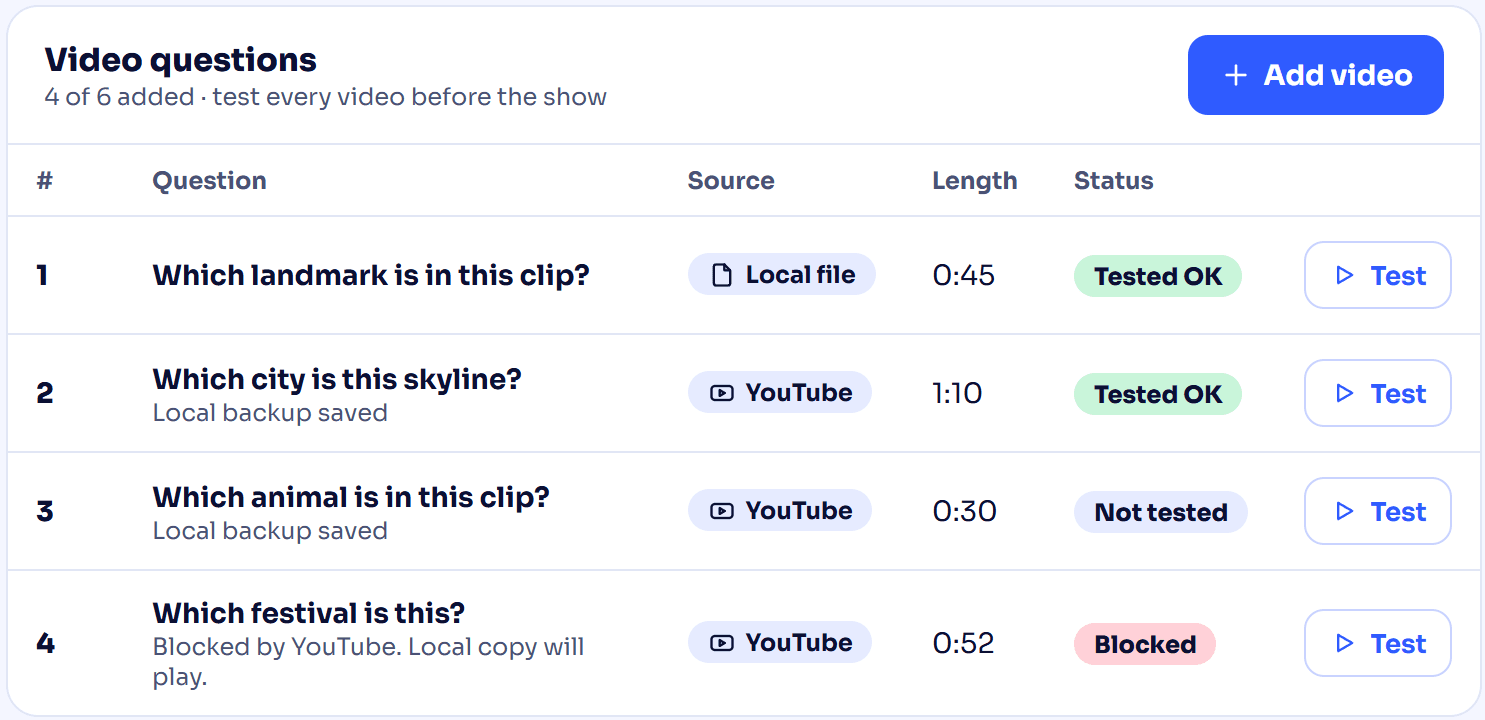
- Tested before the show. Each clip has a Test button. If YouTube blocks a video from playing on other sites, it is marked Blocked, and you can play a copy saved on the big-screen computer instead.
- Same questions and scoring as Live Quiz.
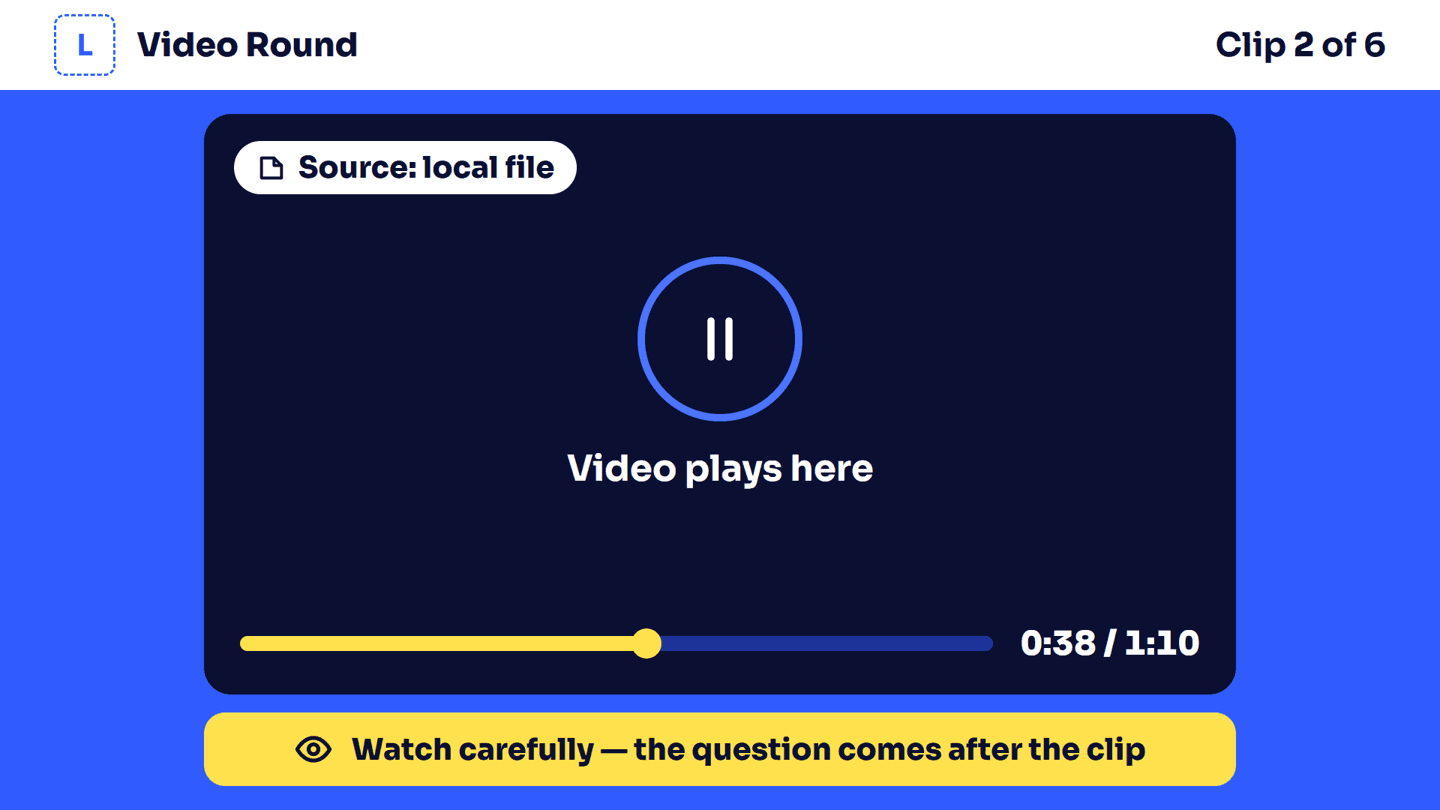
The big screen
Guests' phones